10/13/2026, 7:37:24 PM
How to Organise Product Sizes, Colours and Stock Before Listing
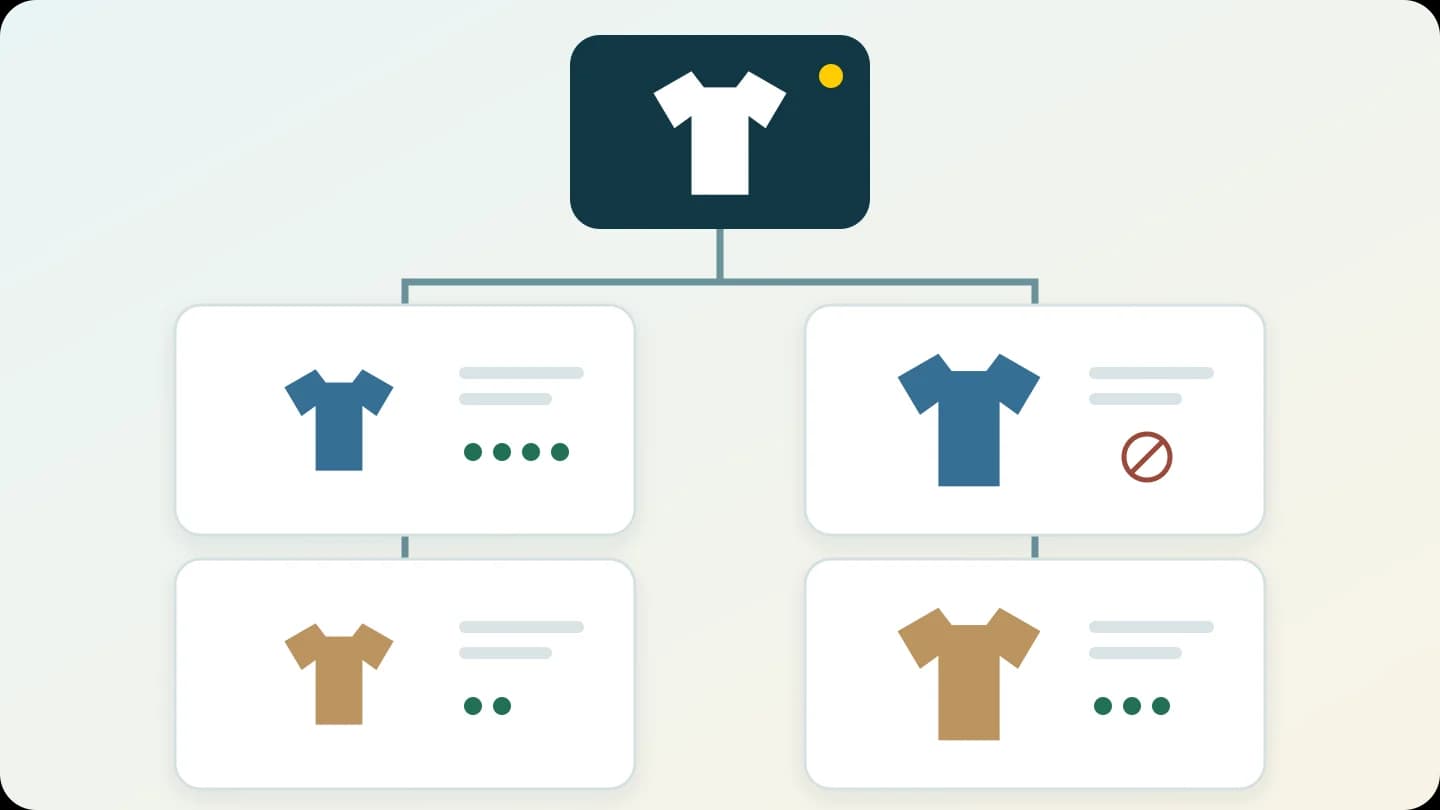
A practical guide for Syrian merchants to organise product variants, images and quantities, with a worked example, team responsibilities and a listing checklist.
“Do you still have the blue one in large?” It is a simple question, but a single stock total for every colour and size cannot answer it. Before listing a product with options, prepare a reference that shows exactly what a customer can choose and what your team can supply.
This guide explains how to organise product information before entering it into a store. It is not a walkthrough of a particular dashboard. We use a clothing shop in Syria as an example; the same approach can help with household products sold in different sizes or capacities. Start with one product that generates repeated questions about its options.
1. Separate the product, the option and the variant
“Cotton shirt” is the product. Colour and size are its options. “Blue, size M” is a specific combination, also called a product variant. Having blue shirts does not mean every blue size is available.
Use options for differences within the same product. Keep products with a different purpose or underlying design separate, even if their prices happen to match. Google's product-data guidance distinguishes a group from versions that differ in attributes such as colour and size. Here that supports a way of organising information; it does not establish a Google integration or the availability of its commercial services for your business.
2. Turn the stock you actually have into an options table
Suppose you stock one shirt in two colours and two sizes. That gives four possible combinations, but the items on hand determine what you can offer. Gather the pieces, check their labels and record each combination separately. Do not copy the overall quantity into every row.
Illustrative quantities only; this is not a real shop's stock. On a phone, scroll the table sideways or focus it and use the arrow keys.
| Colour | Size | Internal reference | Available quantity | Listing decision |
|---|---|---|---|---|
| Blue | M | SH01-BLU-M | 4 | Available |
| Blue | L | SH01-BLU-L | 0 | Currently unavailable |
| Sand | M | SH01-SND-M | 2 | Available |
| Sand | L | SH01-SND-L | 3 | Available |
There are nine pieces in total. That does not help the customer who wants blue in size L: that combination is unavailable. Agree how your store will show this, using the controls available in your setup. Do not substitute another size without the customer's agreement.
3. Make option names and references understandable
Choose one name for each colour. Avoid calling the same shade “navy” in one place and “dark blue” in another unless they really are different shades. Keep the manufacturer's or supplier's size labels. If you use M and L, add useful measurements and explain how they are taken instead of assuming that the letters mean the same thing across manufacturers.
You can assign an internal stock reference, often called an SKU, to each combination. In our example, SH01 identifies the product, BLU the colour and M the size. This is a suggested convention, not a mandatory standard. Document the abbreviations and avoid assigning the same reference to different variants. A code does not replace a name the customer can understand.
If incoming goods use the supplier's own names or codes, keep a mapping to your store's names. This helps when one person purchases stock and another packs orders. You do not have to rename the supplier's products; you need a clear connection between their records and your team's reference.
4. Connect the choice to the right image and description
Photograph the colour you are offering and provide its name beside the image. Colour alone should not be the only way to distinguish an option. If several variants share a detail photograph, explain what it shows and avoid implying that extra items are included. Describe the material, measurements and package contents from the actual product rather than borrowing copy from a similar item.
Before approving the page, choose each combination and review the displayed image, price and availability. If prices differ, the customer should understand the price of their selection before confirming an order. Google's guidance supports consistency between variant data and the information shown to the customer. The exact way images are associated with variants in Tajerly needs to be checked in your store setup; it is not assumed here.
5. Decide who updates the information and who checks it
If you sell in a physical shop, through messages and through an online store, quantities can change throughout the day. Agree which record is authoritative, who updates it after a sale or cancellation, and how differences are investigated. This is a team procedure; it does not imply automatic stock synchronisation with a till or an external channel.
| Task | Suggested owner | Evidence of completion |
|---|---|---|
| Confirm variants and quantities | Person responsible for stock | Dated table matching the items on hand |
| Name options and prepare images | Content owner | Image and description identifiable for each choice |
| Review the mobile presentation | Someone other than the data entry person | Specific correction list or recorded review approval |
| Investigate a quantity difference | Orders and stock owner | Reason for the correction and last review date |
For the work that follows a product selection, read the order and stock-update workflow. That guide covers the order lifecycle. This reference establishes which particular item the order means in the first place.
What does Tajerly provide, and what do you prepare?
Tajerly's feature page describes products with options and variants, image galleries, and tools for managing products and orders. That gives you a starting point for discussing your catalogue. It does not, by itself, confirm automatic imports, code generation, external stock synchronisation or a particular field in every plan.
You remain responsible for accurate information, images, quantities and option definitions. Before subscribing, compare your needs with the current plan details and ask how your sample product would be handled. This guide contains no assumed prices or entitlements for a particular plan.
A checklist before making the product available
- Every listed combination exists or is clearly marked unavailable.
- Colour and size names are consistent, and measurements include their units.
- Internal references are not reused for different variants.
- The image, description and price match the selected option.
- Options are readable on a phone without guessing or clipped text.
- Someone owns the quantity record and its review date.
Run through this checklist in a draft page or internal preview first. You can inspect options and presentation without sending a real order. If you later need to test the order lifecycle, arrange it with your team in an appropriate test environment.
Sources and their limits
Tajerly's current pages were checked for its stated capabilities. Google's product-variant guidance and the reference on internal stock codes support the general principles of identifying variants and stock references. They do not establish an external integration or service availability for Tajerly or Syrian stores. The tables and responsibility framework are original editorial examples to adapt to your business.