10/21/2026, 9:00:18 AM
Create an Online Store App in Syria: Features, Costs and How to Choose a Platform
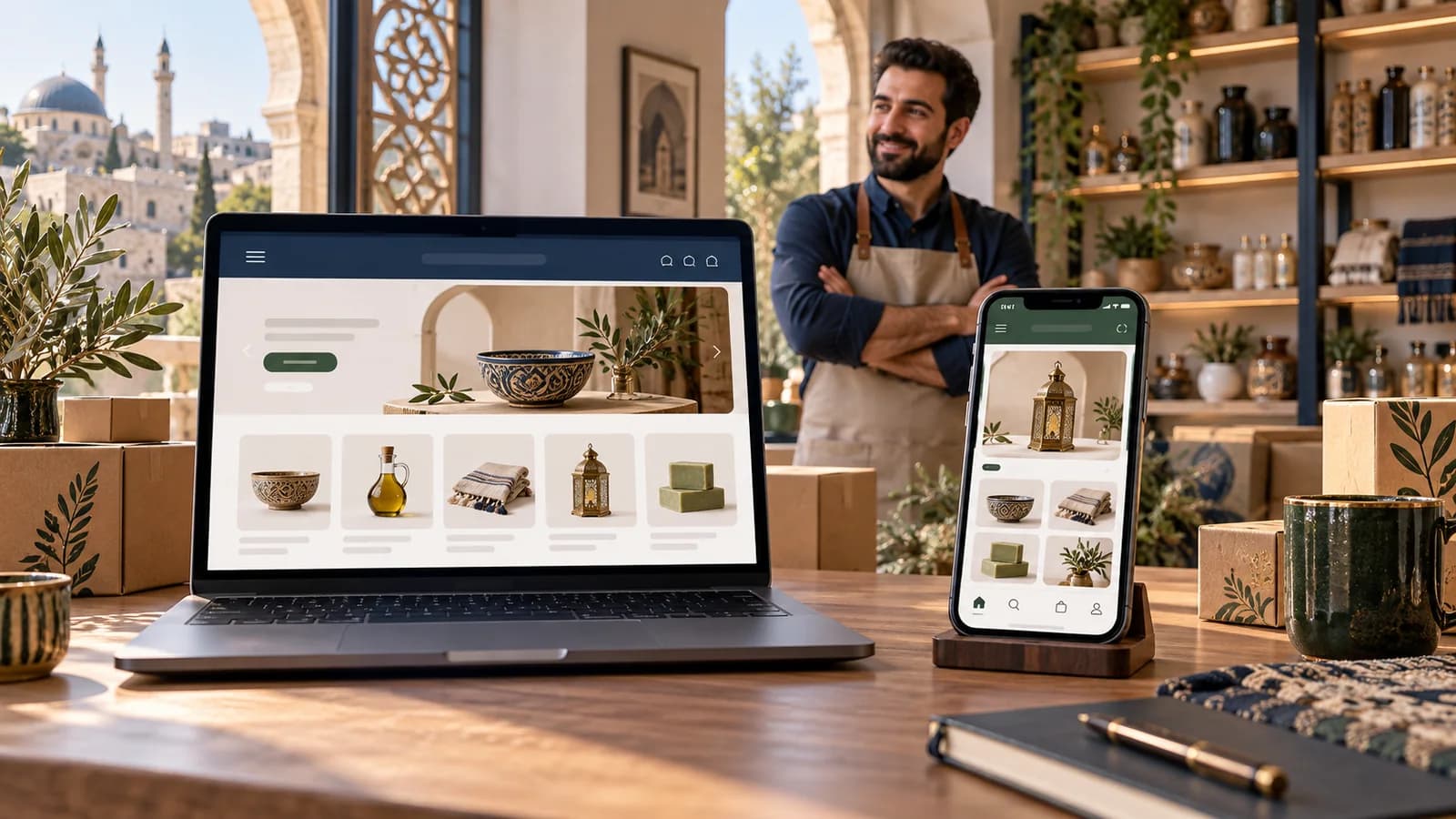
Explore a branded store app for your business in Syria, with practical features, Pro/App pricing and a concise guide to choosing a platform.
A familiar store, right on your customer's phone
Imagine a customer who has bought from you before and wants to order again. They open an app carrying your store's name, browse the products, choose what they need and place an order. The idea is simple: a shopping destination built around your brand.
Creating an online store app in Syria is about making that customer experience useful while keeping the work behind it manageable. Here is what a branded app offers, how it connects to your store, and how to compare features and costs before choosing a platform.
The idea in three parts
- Your store's identityYour name, logo and brand colours in front of the customer.
- Your productsA catalogue for your store—not a marketplace of competing sellers.
- Connected managementProducts and orders managed through the Tajerly platform.
Tajerly offers a branded customer app for Android and iOS through its app-inclusive plan. Your website remains accessible in a browser; the app gives customers another way to reach your products. For the difference between business models, see a dedicated store app versus a multi-merchant marketplace.
A straightforward shopping journey
- Open the app
- Browse products
- Choose items
- Place an order
Customers need clear images, prices and ordering steps. Your team's next job is to follow up and prepare the order through its agreed workflow. A useful app experience works on both sides of that handoff—not just on the home screen.
What helps with everyday work?
A recognisable customer experience
Customers see your store's name, colours and products. A clothing-store customer, for example, returns to your categories and collection rather than browsing offers from different sellers.
Products and orders in one clear workflow
Use the platform's tools to update product information and follow orders. Adding a new collection becomes an organised task for the team, with names, images and prices to maintain.
Team roles and permissions
Control what each team member can access and manage. Use the available permissions to separate content responsibilities from day-to-day order handling.
Free store themes
Choose from themes for different business types and customise the store to reflect your brand—for example, arranging a gift shop around its product categories and content.
Everyday controls without code
Manage store design, content, products and settings without a developer for routine tasks, such as editing a product description or updating a page.
Hosting, maintenance and technical support
Hosting and maintenance are included throughout an active subscription, with technical support to help you set up and manage the store.
The store and app are not the same interface. Themes, permissions and no-code controls are store-management tools. The customer app has its own connected experience; changing a website theme does not mean its app screens change in the same way. The management app, where used, is not a replacement for the full dashboard.
Review Tajerly's store-management features against your team's tasks. Still deciding when to add an app? Start with a website or an app: which fits your store's stage?
The app plan, with clear costs
Pro / App
All amounts are in US dollars (USD)
- Standard monthly
- $100Per month, before the discount
- Discounted monthly
- $50Per month, with 50% off
- Three-month subscription
- $150Total for 3 months
- Annual subscription
- $500Total for 12 months
Paying annually saves $100 compared with 12 discounted monthly payments: 12 × $50 = $600. That is the equivalent of two months. The saving is already included in the $500 total; no further discount is applied.
- The 50% discount does not depend on order volume.
- You keep the discounted price while your subscription remains active on the same plan.
- Rejoining after cancellation or changing plans uses the prices available at the time of rejoining or changing.
For the full comparison of features and plans, see Tajerly's packages and subscription prices.
Choose a platform around the way you work
Start with a real task, not the longest feature list. Bring a product from your catalogue and an example of your team's workflow, then use this short checklist to compare offers:
- Customer experience: clear categories, product information, prices and ordering steps on a phone.
- Day-to-day management: practical product updates, order tracking and team permissions.
- Fit for your business: settings that suit your service areas and the way you sell.
- A clear offer: the features you need, the total for your chosen billing period and the services included, in writing.
- Ongoing support: a clear way to get help and a plan for maintaining the store and app after setup.
Important details before you agree
- Payments: availability depends on your business's country, supported services and provider eligibility.
- Publishing and charges: confirm who owns and operates the developer accounts, handles submission, and pays any third-party or optional-service charges.
- Customisation: support for your store's name and branding does not mean unlimited bespoke app development.
- Outcomes: buying a plan does not guarantee app-store acceptance or increased sales.
Once the scope is clear, use the Android and iOS app-review preparation guide for the practical stages.
Let's talk about your store and app
What do you sell, and how does your team handle orders? Share your requirements to discuss an app plan and scope of work that fit your business.